
All Cursor Packs
Browse our full collection of custom cursors. Find your next favorite style and install it for free.
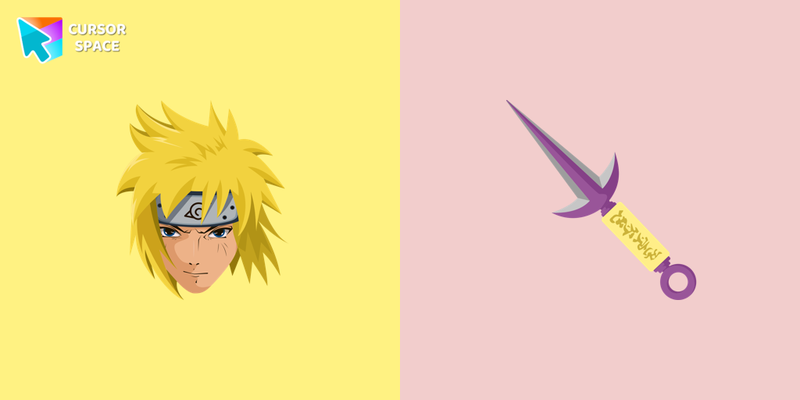 Minato Namikaze cursorMinato Namikaze cursor for a mouse is a good fan art to decorate your browsing. A character weapon hover comes together with the custom cursor with Minato.
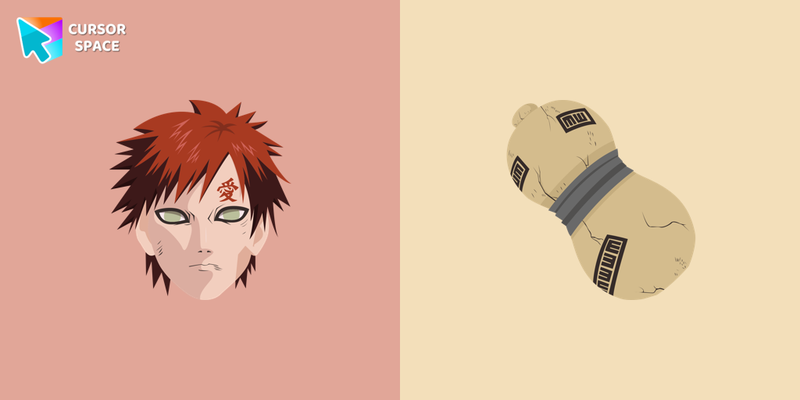 Gaara cursorCute custom cursor with Gaara includes a mouse cursor with a jug of sand and a hover pointer with Gaara. The collection of Naruto cursors for Chrome will be the best suite for all manga fans.
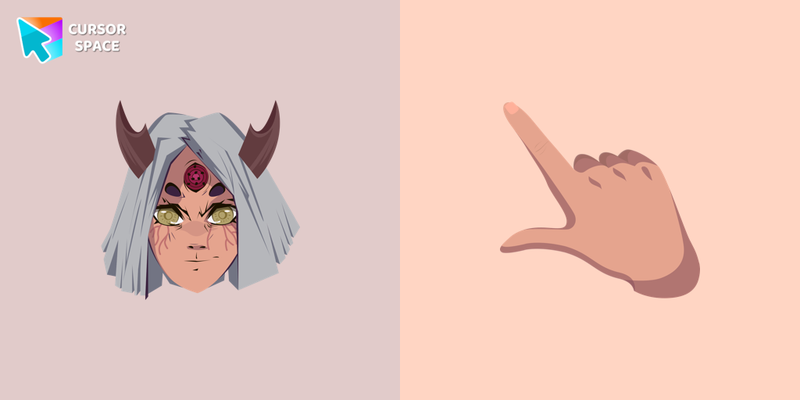 Kaguya Otsutsuki cursorKaguya, the matriarch of the Otsutsuki clan, tasted the fruit of the Divine Tree and became the first owner of the chakra. Kaguya cursor and pointer in our adorable custom cursors collection with Naruto.
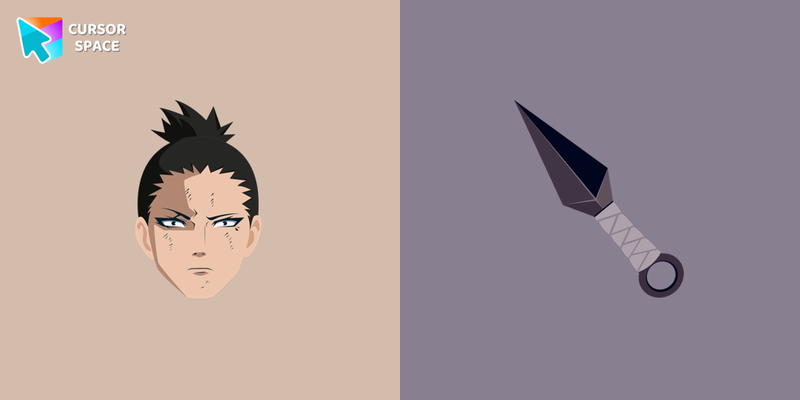 Shikamaru Nara cursorShikamaru has a rare intellect that invariably allows him to win in battle. Thanks to the custom cursor with Shikamaru from our Naruto custom cursors collection for Chrome, you can also lazily surf a web page.
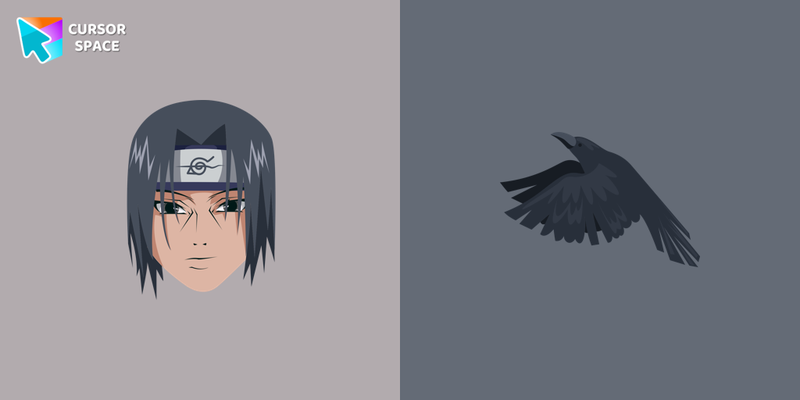 Itachi Uchiha cursorItachi is a talented shinobi and is fluent in three basic ninja skills. Custom cursor with Itachi from our Naruto custom cursor for mouse and pointer is a great fit for all manga fans.
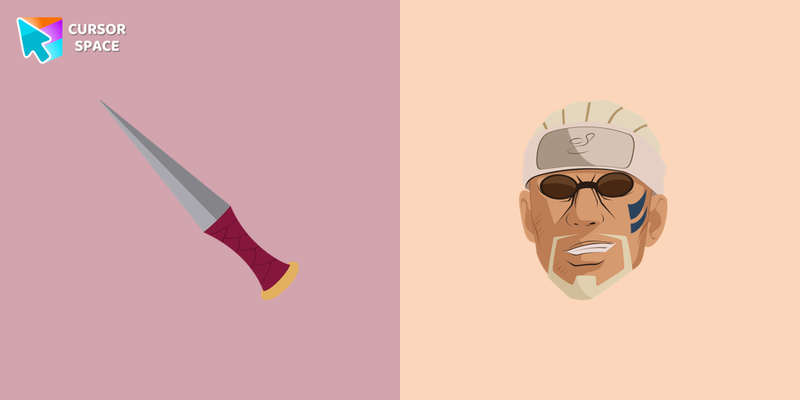 Killer Bee cursorWe are glad to present this cute custom cursor with Killer Bee from the custom cursors collection for the mouse and pointer with Naruto.
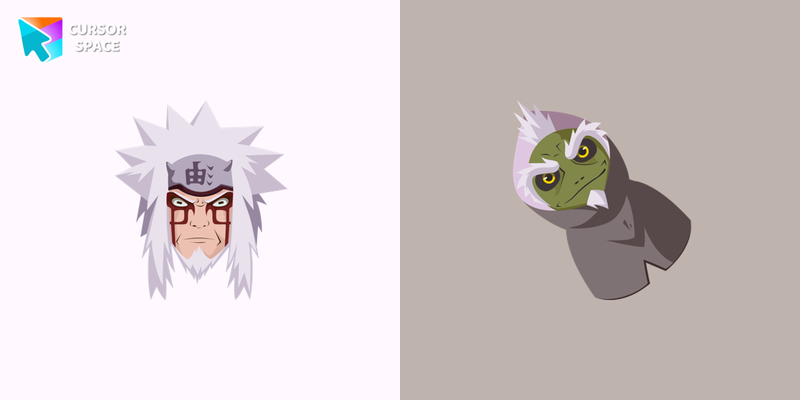 Jiraiya cursorCustom cursor with Jiraiya is a good opportunity to change the usual mouse to the fans cursors from the Naruto custom cursors collection for Chrome.
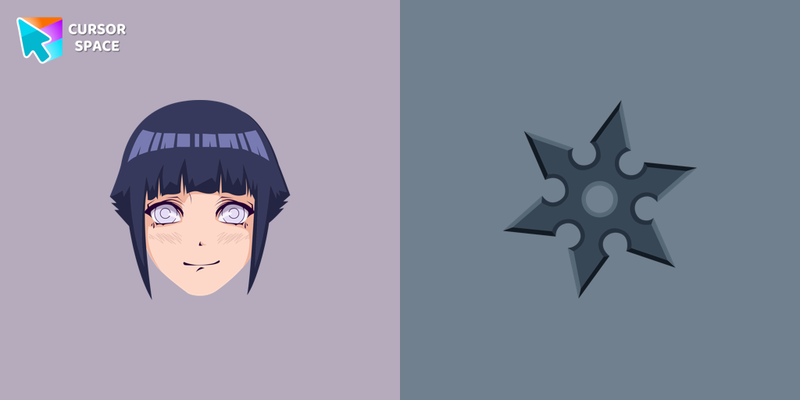 Hinata Hyuga cursorHinata is the heiress of the Hyuuga clan, shy, calm, kind, and very polite. Custom cursors with Hinata are available for Chrome browser.
 Rock Lee cursorCustom cursor with Rock Lee is a good opportunity to change the usual mouse to the fans cursors from the Naruto custom cursors collection for Chrome.
 Ino Yamanaka cursorIno Yamanaka is a botanist and a leader of the Konoha Barrier Team from the Naruto manga. Custom cursor with Ino Yamanaka from our Naruto custom cursor for mouse and pointer is a great present to all manga fans.
 Mitsuki cursorMitsuki is a synthetic human who has been grown in a test tube as a partial clone of Orochimaru. Mitsuki custom cursor from our Naruto cursors collection for mouse and pointer.
 Kakashi Hatake cursorKakashi cursor for mouse and pointer will replace your default mouse with a manga character from our Naruto custom cursors collection for Chrome.
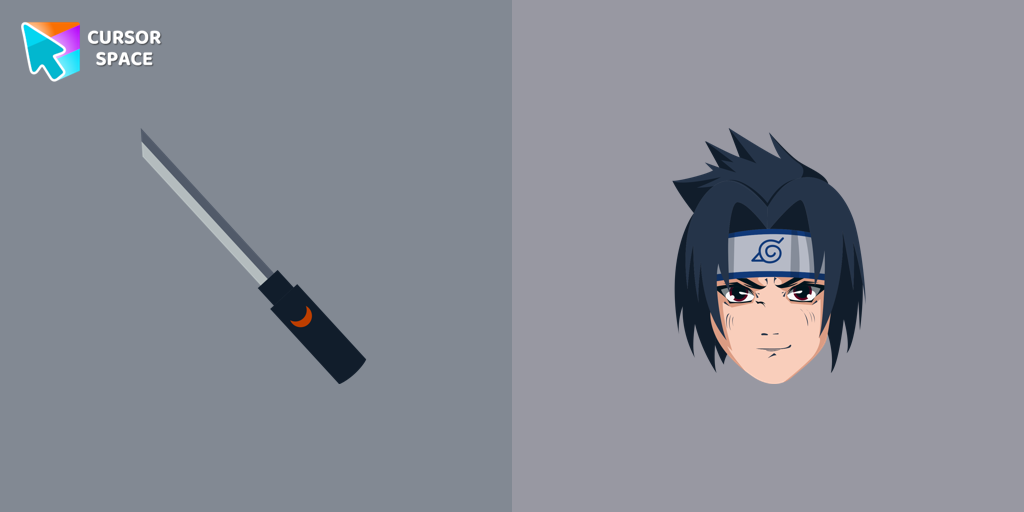 Sasuke Uchiha cursorCustomize your Chrome with a custom cursor featuring Sasuke Uchiha. Add this unique custom cursor for Google Chrome to personalize your browsing experience.
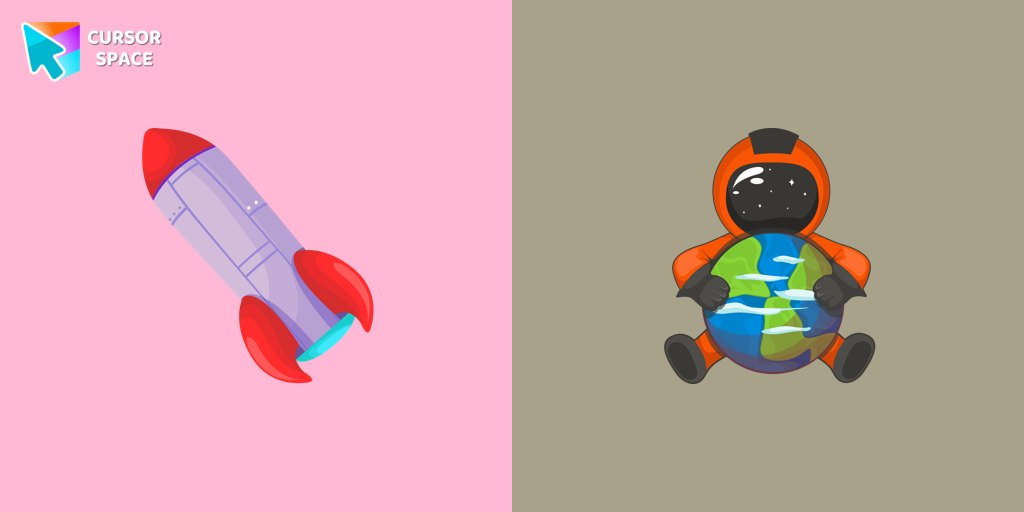 Astronaut cursorA well-designed custom cursor in the form of a constellation, from our fantastic collection of solar system cursors with planets and space.
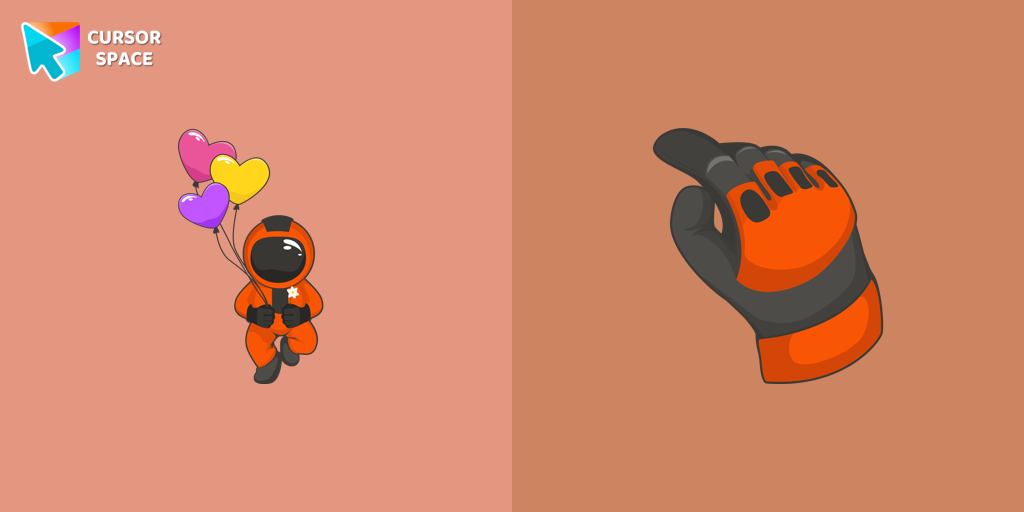 Cute Astronaut cursorYou can afford to go into outer space with our collection of custom cursors for Chrome. A well-designed custom cute astronaut mouse cursor from our collection of custom space fiction mouse cursors.
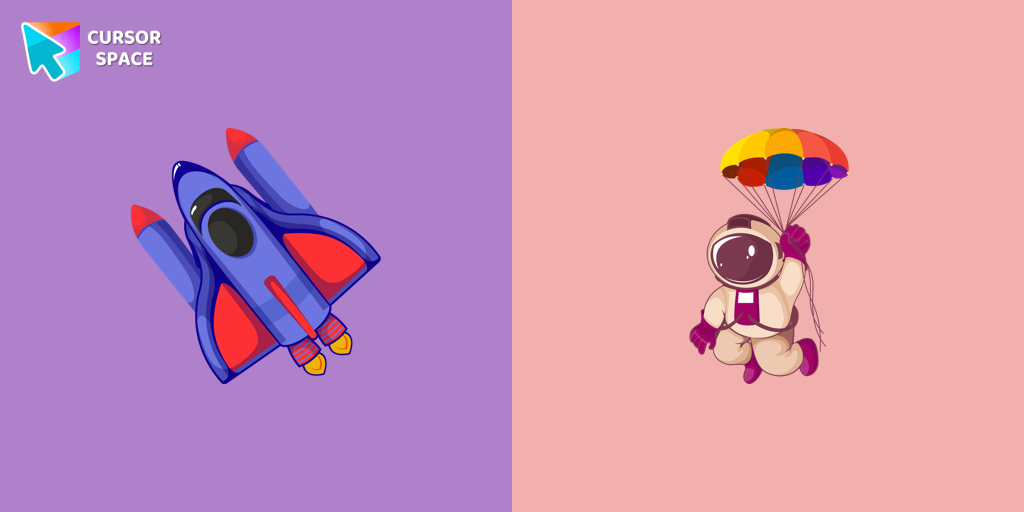 Hilarious Astronaut cursorA well-designed custom cursor in the shape of a spaceship from our collection of cursors with the planets of the solar system.
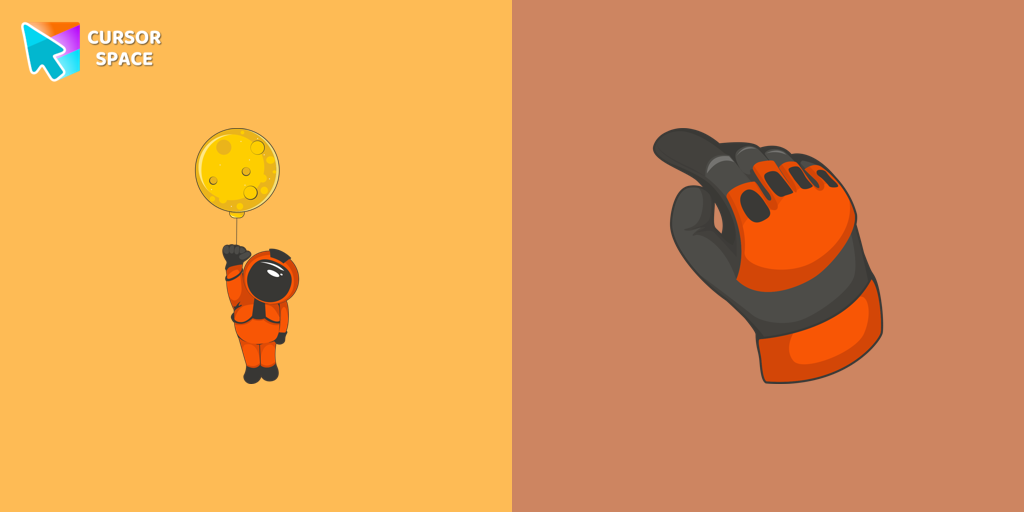 Brave Astronaut cursorThe well-designed Astronaut custom mouse cursor from our collection of custom space fiction mouse cursors.
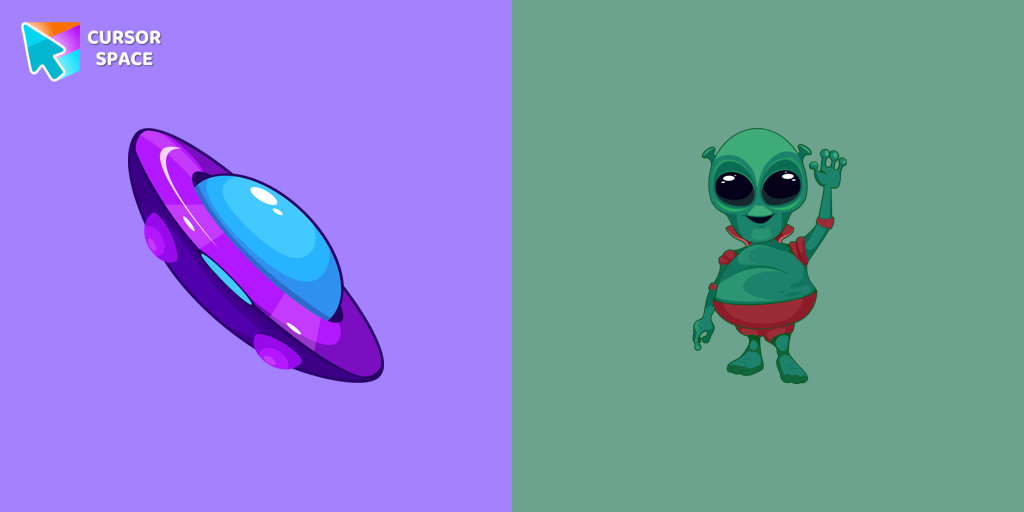 Friendly Alien cursorA well-designed custom cursor in the form of a flying UFO, from our fantastic collection of solar system cursors with planets and space.
 Neptune Planet cursorA well-designed custom cursor with Neptune planet, from our fantastic Mysterious Space custom cursors collection for mouse and pointer.
 Astronaut on the Moon cursorA well-designed custom cursor in the form of a constellation, from our fantastic collection of Solar System cursors with planets and space.
Explore cursor packs by style
Cursor Space packs include curated cursor sets for everyday browsing: cute, minimal, anime, neon, pixel art, and more. Each pack comes with multiple cursor states (like default and pointer) and can be added to your browser in seconds.
Trending now
Fresh picks based on what people install most often.
Collections
Browse themed sets grouped by vibe and aesthetic.
Top charts
See weekly, monthly, and all-time leaders.
How to install a cursor pack
- Open any pack from the grid above.
- Click the install / add button on the pack page.
- If you don’t have it yet, install the Cursor Space browser extension.
- Apply the pack in the extension and enjoy your new cursor.
FAQ
Quick answers to common questions about cursor packs, collections, and installation.
Are cursor packs free on Cursor Space?
Most cursor packs on Cursor Space are free to browse and install. Some packs may be marked premium depending on licensing. The Cursor Space browser extension is free to install from the Chrome Web Store.
Do cursor packs work on Chrome and Edge?
Yes. Install the Cursor Space extension for Chromium-based browsers (Chrome, Edge, Brave), open a pack page, and click install/apply. The extension applies the cursor set across your browser.
How do I install a custom cursor pack?
Open the pack page, click the install or add button, install the Cursor Space extension if prompted, then apply the pack from the extension popup. Your new cursor appears immediately.
Can I change or remove a custom cursor later?
Yes. Open the Cursor Space extension, choose another pack, or restore the default system cursor from the extension settings.
Is the Cursor Space extension safe?
Cursor Space is distributed via the Chrome Web Store and Edge Add-ons. Keep the extension updated, and only install packs from trusted catalog pages on this site.