
All Cursor Packs
Browse our full collection of custom cursors. Find your next favorite style and install it for free.
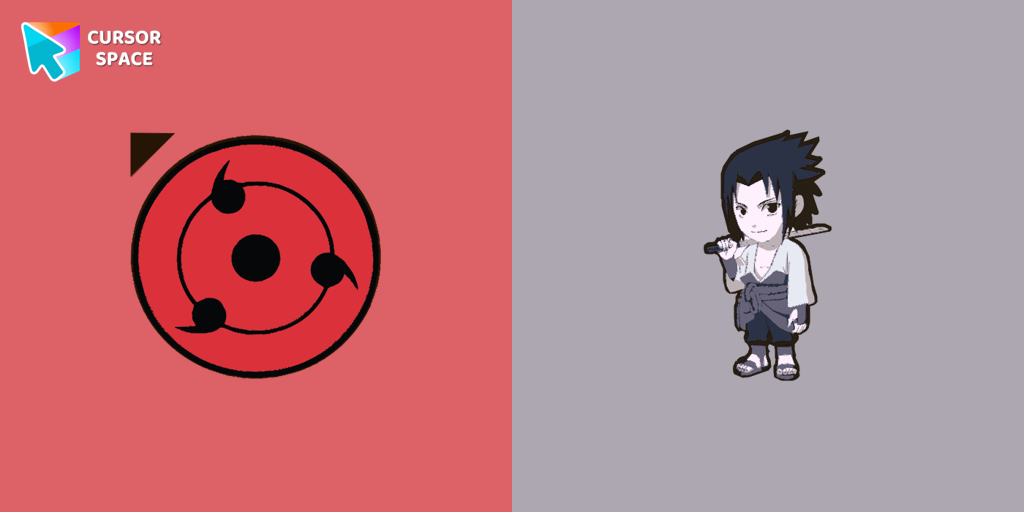 Anime Naruto cursorThe Anime Naruto cursor is a custom cursor for Google Chrome that lets fans personalize their computer with iconic characters from the Naruto series.
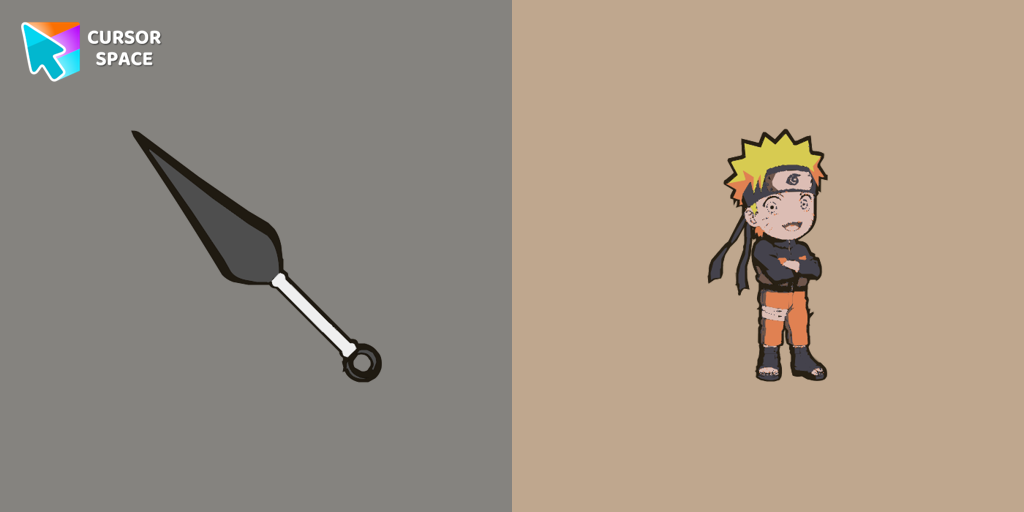 Naruto cursorCustomize your mouse pointer with the Anime Naruto custom cursor. Show your love for the series with iconic Naruto characters in your custom cursor for Google Chrome.
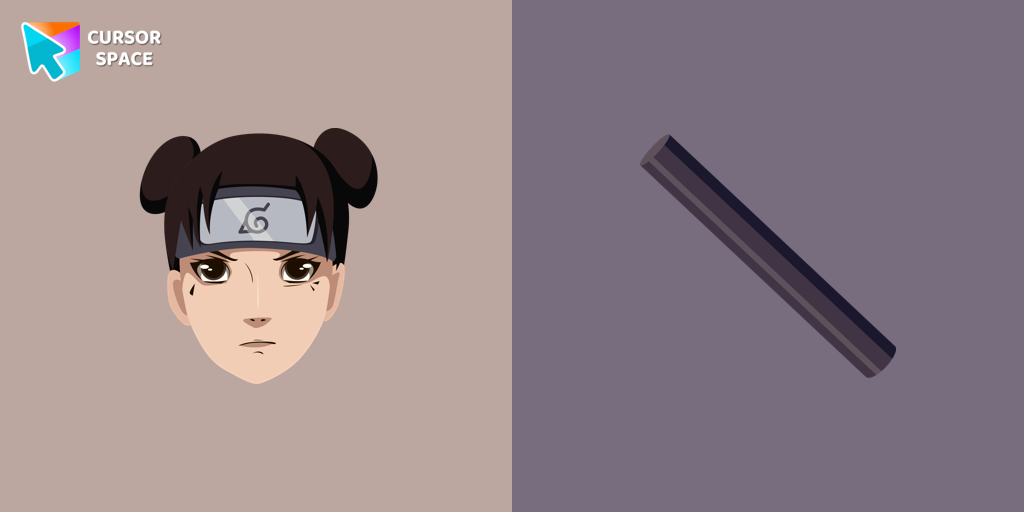 Tenten cursorThe Tenten Naruto custom cursor is a unique pointer featuring Tenten from the Naruto series. Personalize your desktop with this custom cursor for Google Chrome.
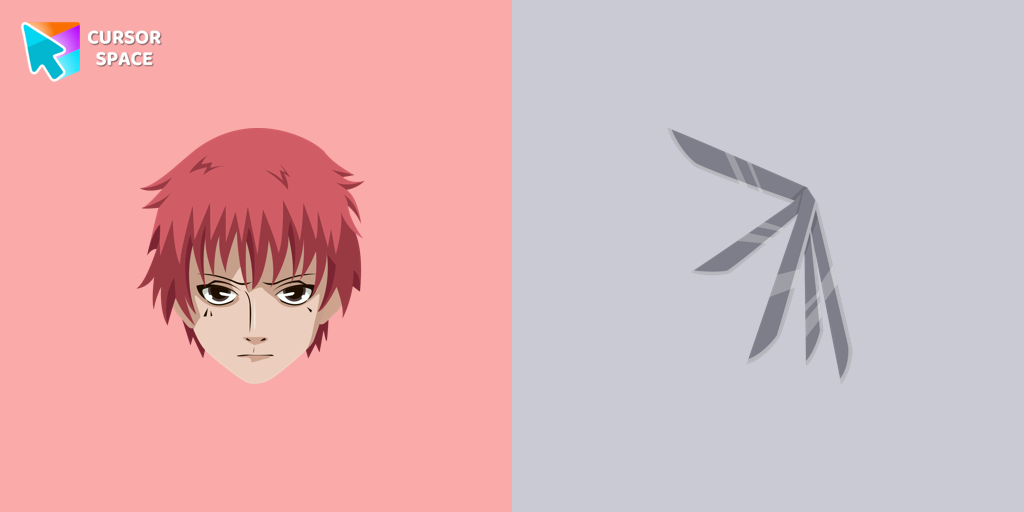 Sasori cursorSasori, known as a formidable shinobi, effortlessly defeated and killed the Third Kazekage, renowned as Sunagakure's strongest leader.
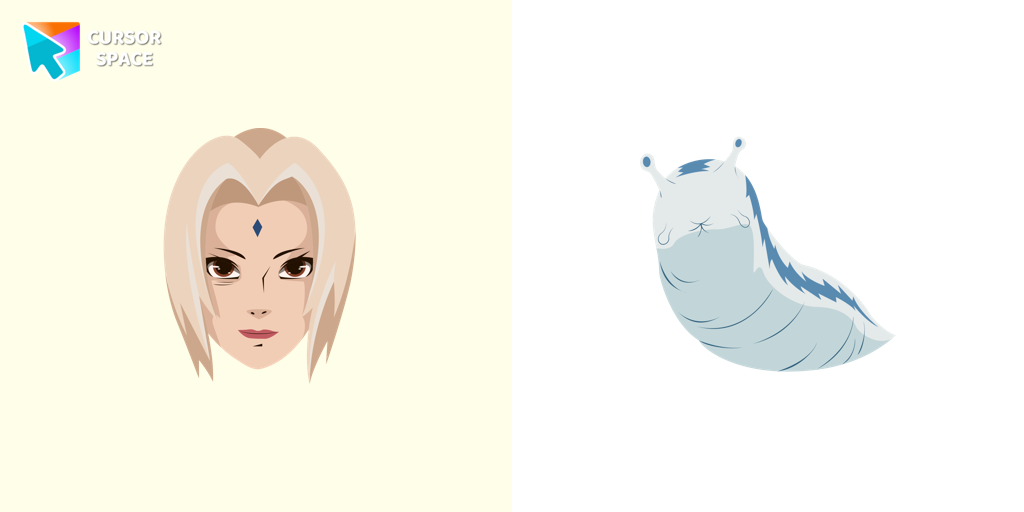 Tsunade cursorWell-designed Tsunade cursor for mouse will be loved by Naruto fans. There is a custom cursor with Katsui and Tsunade as a hover in a set of Naruto cursors for Chrome.
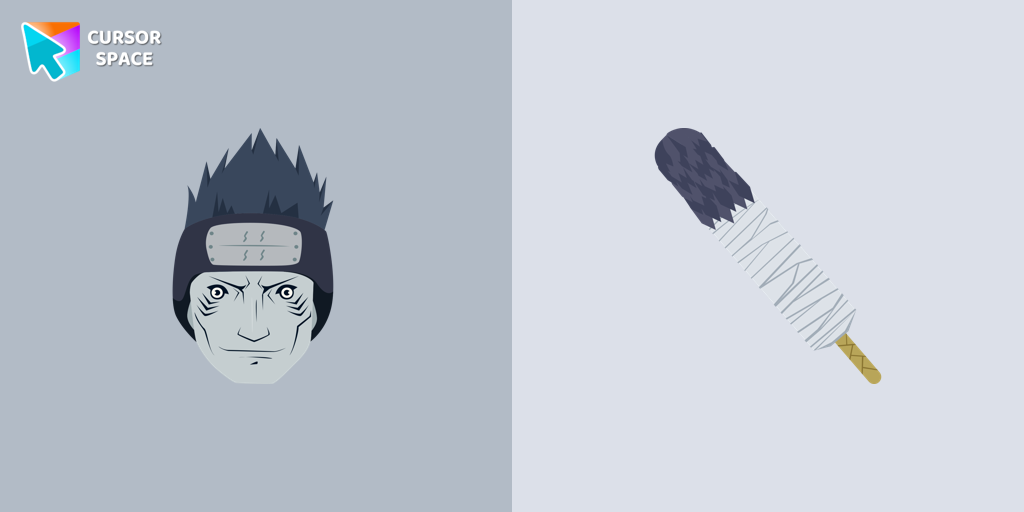 Kisame Hoshigaki cursorThe cursor for Chrome with a Kisame is a great option in a Naruto cursor collection with manga characters.
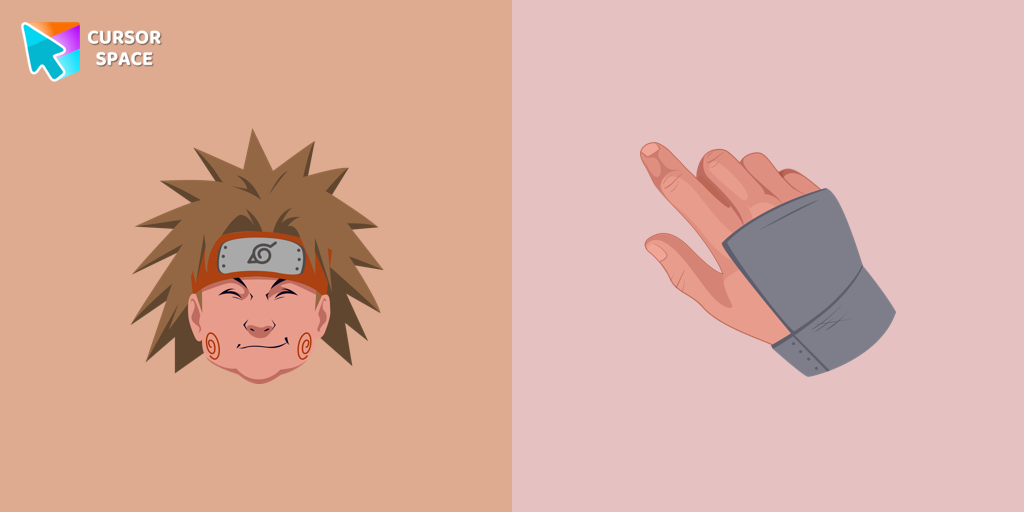 Choji Akimichi cursorWell-designed Choji Akimichi cursor for mouse will be loved by Naruto fans. There is a custom cursor with a Choji Akimichi hand and a Choji as a hover in a set of Naruto cursors for Chrome.
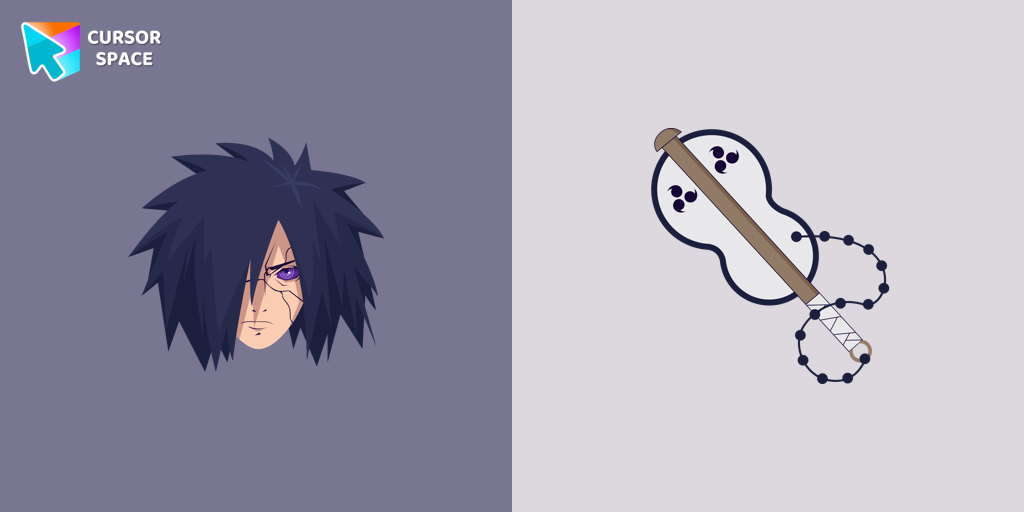 Madara Uchiha cursorIf you want to change the default cursor to Madara, you are welcome to our collection of cursors in Naruto in a variety of moods.
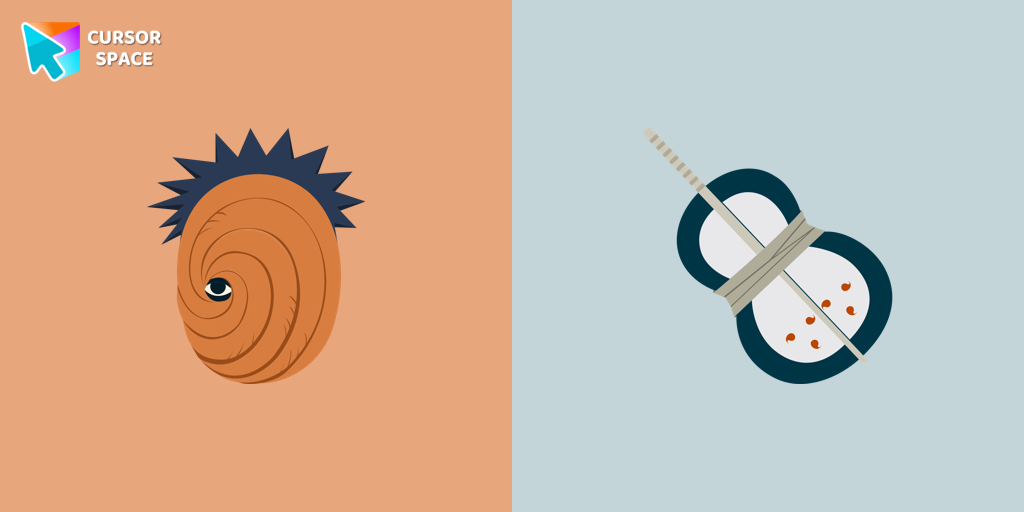 Obito Uchiha cursorAuthentic custom cursor with Toby Uchiha in a Naruto cursors collection for Chrome browser. Toby cursor item is a pretty designed set of mouse cursors with a stylish hover.
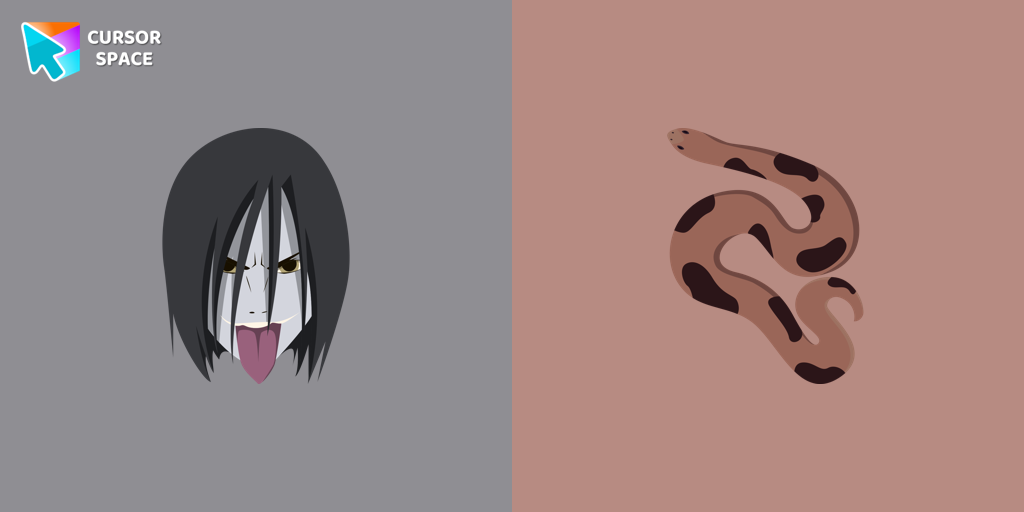 Orochimaru cursorA mouse cursor and custom pointing pointer in the Naruto custom cursor collection.
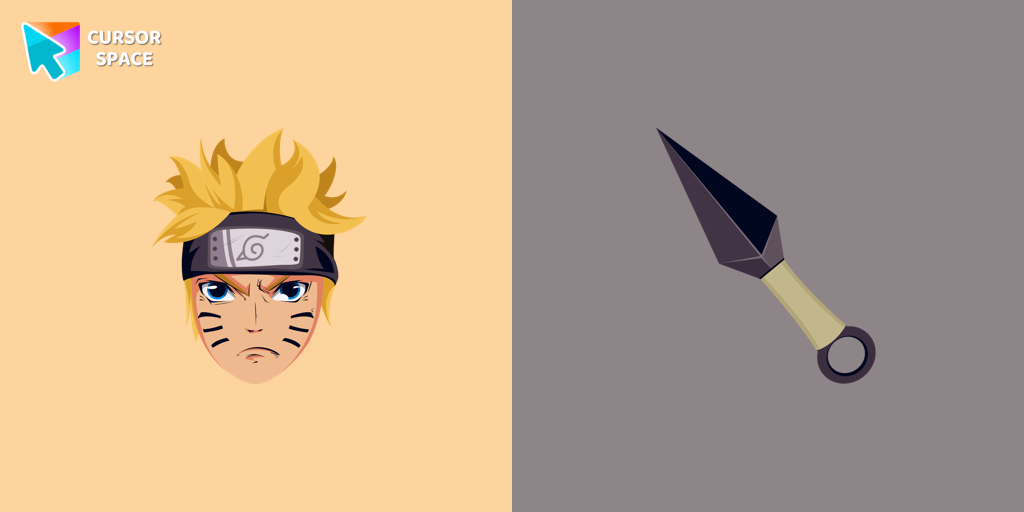 Naruto Uzumaki cursorCustom cursor with Naruto Uzumaki from our custom cursors collection with manga characters.
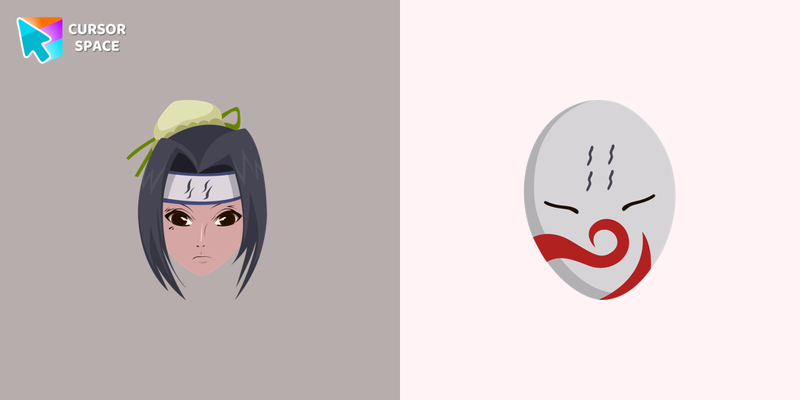 Haku cursorThe custom cursor for mouse and pointer from our Naruto collection will allow you to navigate the tab at the speed of a Haku.
 Tobirama Senju cursorIn our custom cursors collection Naruto, we have illustrated a Tobirama custom cursor for mouse and pointer in a nice art.
 Boruto cursorBoruto is a prodigy capable of learning a technique in a short amount of time and is known as a ninja who can achieve anything. Boruto cursor element is a cute custom mouse and pointer cursor with stylish pointing.
 Sarada Uchiha cursorCustom cursor with Sarada Uchiha from our Naruto custom cursor for mouse and pointer is a great present to all manga fans.
 Hiruzen Sarutobi cursorIn our cute custom cursors collection Naruto, we have illustrated a Hiruzen as a custom cursor for the browser in a nice art.
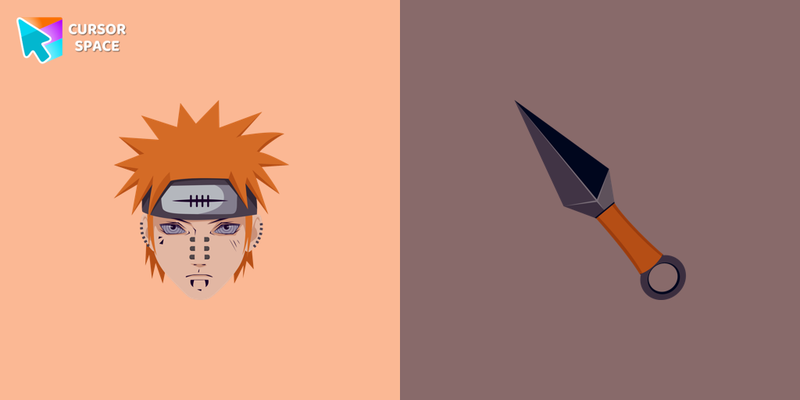 Nagato cursorNagato as a custom cursor for Chrome. Now you can get Naruto cursor with Nagato for your browser.
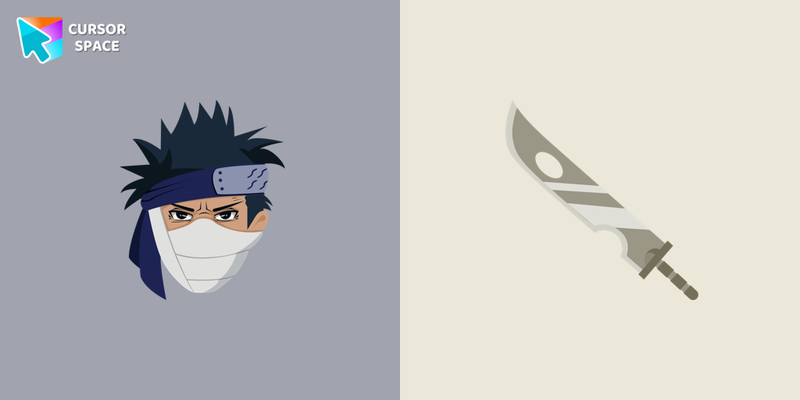 Zabuza Momochi cursorMerciless Zabuza from Naruto in a cute design for custom cursor with Zabuza. Sword as a custom hover for Naruto cursors collection.
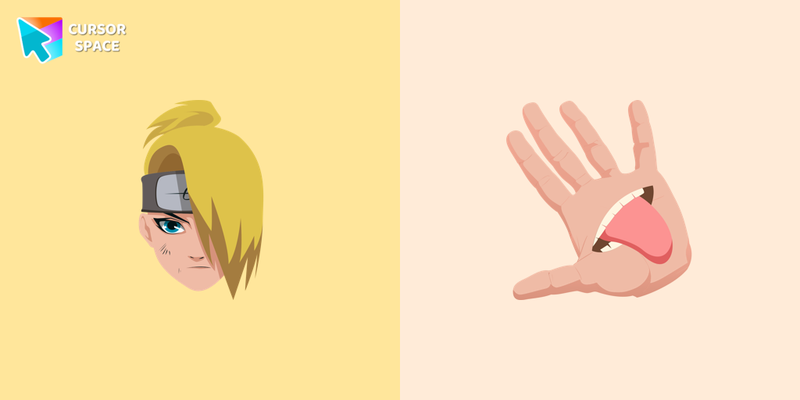 Deidara cursorAdd Deidara cursor in the collection of custom cursors with Naruto for the browser.
 Konan cursorCute custom cursor with Conan includes a mouse cursor with a paper weapon and a hover pointer with Conan. The collection of Naruto cursors for Chrome will be the best suite for all manga fans.
Explore cursor packs by style
Cursor Space packs include curated cursor sets for everyday browsing: cute, minimal, anime, neon, pixel art, and more. Each pack comes with multiple cursor states (like default and pointer) and can be added to your browser in seconds.
Trending now
Fresh picks based on what people install most often.
Collections
Browse themed sets grouped by vibe and aesthetic.
Top charts
See weekly, monthly, and all-time leaders.
How to install a cursor pack
- Open any pack from the grid above.
- Click the install / add button on the pack page.
- If you don’t have it yet, install the Cursor Space browser extension.
- Apply the pack in the extension and enjoy your new cursor.
FAQ
Quick answers to common questions about cursor packs, collections, and installation.
Are cursor packs free on Cursor Space?
Most cursor packs on Cursor Space are free to browse and install. Some packs may be marked premium depending on licensing. The Cursor Space browser extension is free to install from the Chrome Web Store.
Do cursor packs work on Chrome and Edge?
Yes. Install the Cursor Space extension for Chromium-based browsers (Chrome, Edge, Brave), open a pack page, and click install/apply. The extension applies the cursor set across your browser.
How do I install a custom cursor pack?
Open the pack page, click the install or add button, install the Cursor Space extension if prompted, then apply the pack from the extension popup. Your new cursor appears immediately.
Can I change or remove a custom cursor later?
Yes. Open the Cursor Space extension, choose another pack, or restore the default system cursor from the extension settings.
Is the Cursor Space extension safe?
Cursor Space is distributed via the Chrome Web Store and Edge Add-ons. Keep the extension updated, and only install packs from trusted catalog pages on this site.