
All Cursor Packs
Browse our full collection of custom cursors. Find your next favorite style and install it for free.
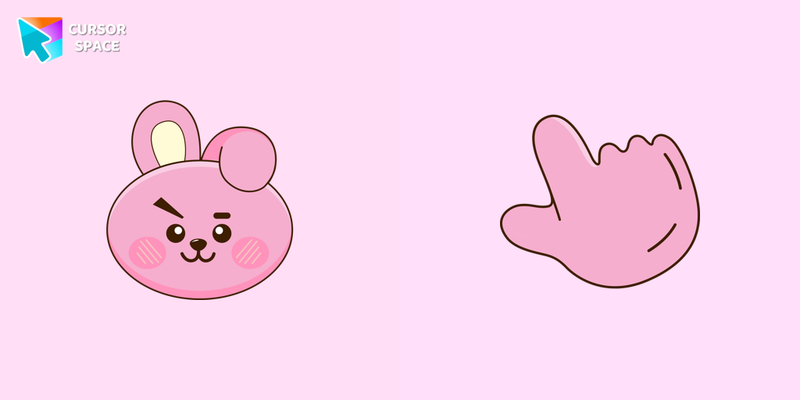 COOKY cursorCOOKY cursor for a mouse is a good fan art to decorate your browsing, a cute pointer together with the custom cursor with COOKY.
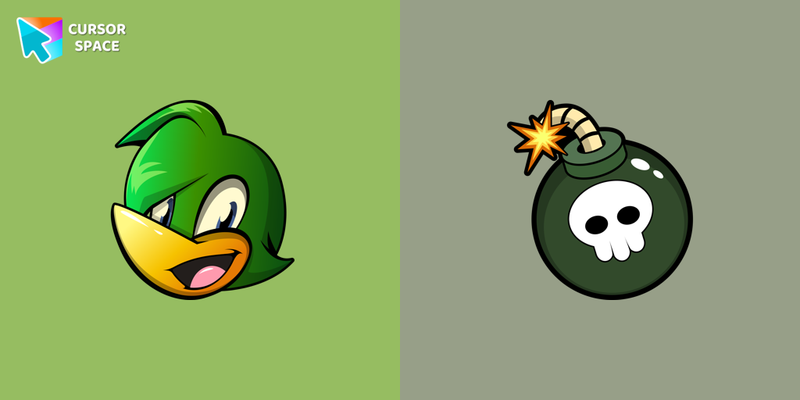 Bean the Dynamite cursorBomb as a cursor for the mouse and the Bean pointer will look pretty nice on your screen.
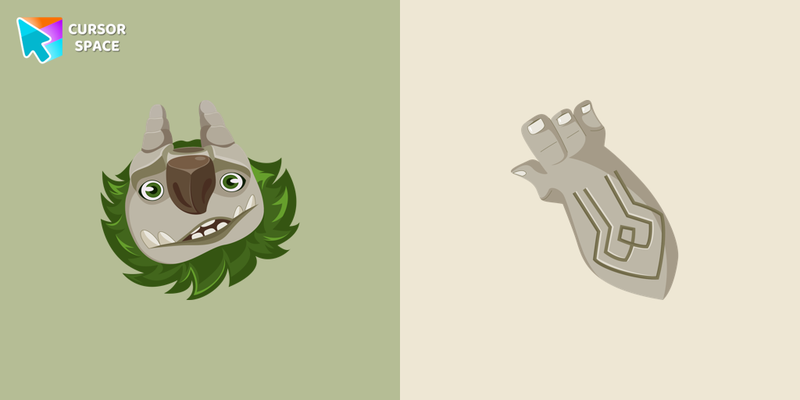 AAARRRGGHH!!! cursorAdd a custom cursor with AAARRRGGHH !!! from the Trollhunters franchise in our Animation Movies custom cursors collection for Chrome.
 KOYA cursorAdd Koya cursor from The Wishes the collection of custom cursors for the browser.
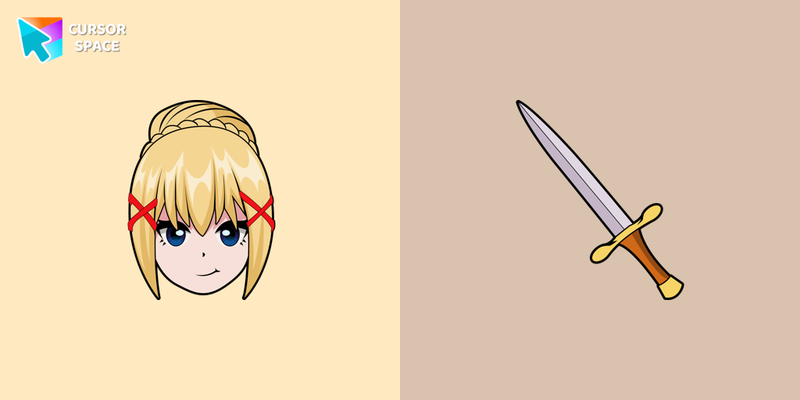 Darkness cursorThe great custom cursor for mouse and pointer from our The Wishes collection.
 BASIL cursorBASIL custom cursor for the mouse is a pretty character in The Wishes cursor collection for Chrome.
 HERO cursorHERO cursor for mouse and custom hover pointer with character's weapon in The Wishes collection of custom cursors.
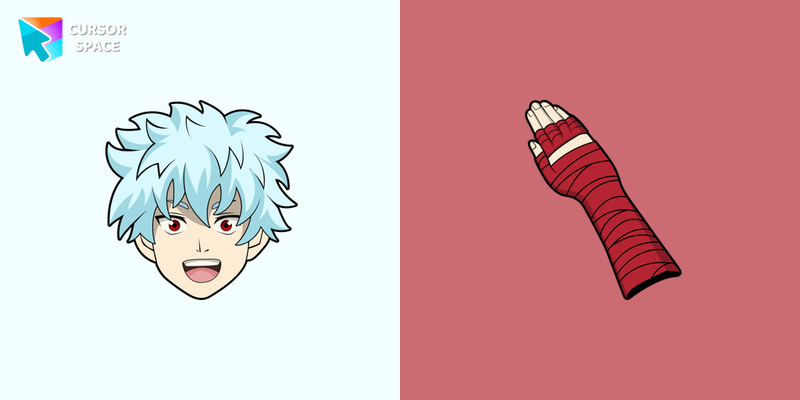 Shun Kaidou cursorShun Kaidou custom cursor from our The Wishes cursors collection for mouse and pointer.
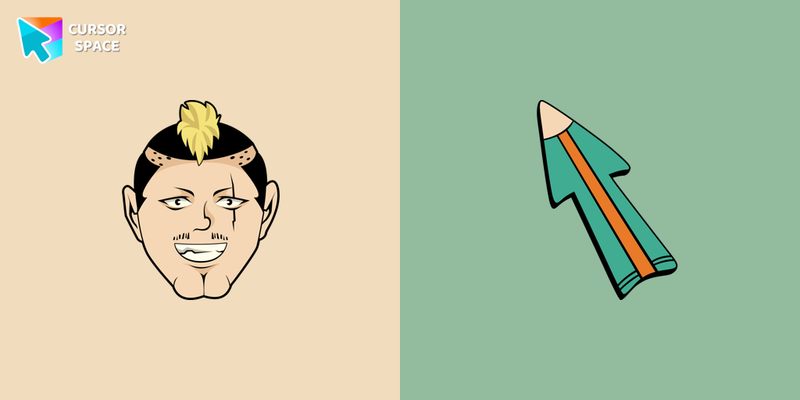 Nendou Riki cursorNendou Riki cursor element is a cute custom mouse and pointer cursor with stylish pointing.
 XXXTENTACION cursorXXXTENTACION cursor you can use as a custom cursor for mouse and pointer from our Rappers custom cursors collection for Chrome.
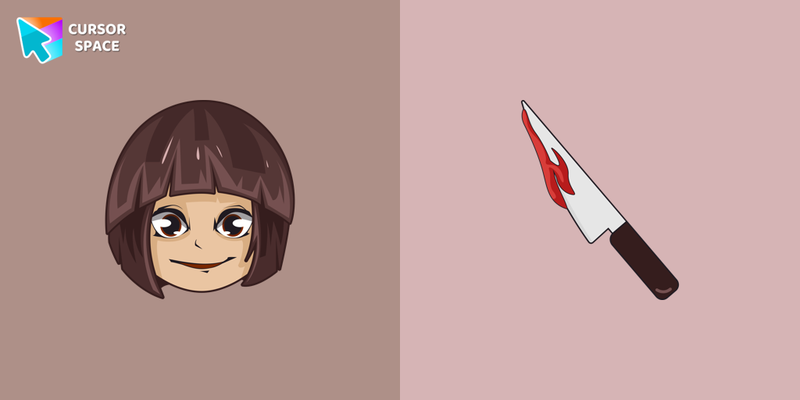 Undertale Chara cursorCustom cursor with Chara from our Undertale and Deltarune custom cursor for mouse and pointer is a great fit for all game fans.
 Remy cursorRemy cursor for mouse and custom hover pointer with the spoon in The Wishes comics collection of custom cursors.
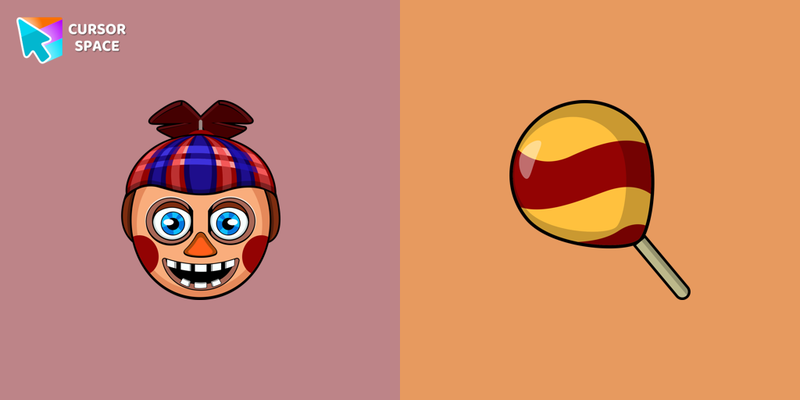 Balloon Boy cursorBalloon Boy custom cursor from our Five Nights at Freddy's cursors collection for mouse and pointer.
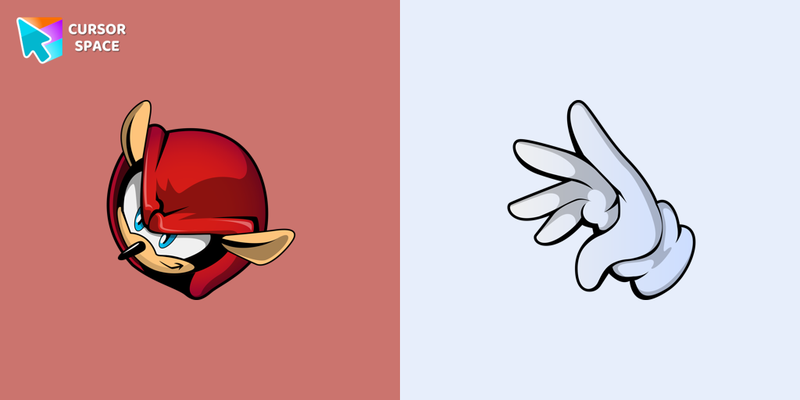 Mighty the Armadillo cursorMighty the Armadillo cursor for mouse and custom hover pointer in a Sonic the Hedgehog collection of custom cursors.
 Ghost Pixel cursorAdd Ghost Pixel cursor in the Cute Pixel collection of custom cursors for the browser.
 Mugman cursorThe Mugman custom cursor is a charming and unique addition to your browsing experience. Add personality with this adorable custom cursor for Google Chrome.
 CHIMMY cursorThe custom cursor for mouse and pointer from our The Wishes collection will allow you to navigate the tab with pleasure.
 Lil Peep cursorThere is a custom cursor with Lil Peep as a hover in a collection of Rappers cursors for Chrome.
 Undertale W. D. Gaster cursorW. D. Gaster cursor from our Undertale and Deltarune custom cursors collection for Chrome gives you the ability of a little graphical interface element.
 Toy Chicа cursorIf you want to change the default cursor to Toy Chicа, you are welcome to our collection of cursors for Five Nights at Freddy's in a variety of moods.
Explore cursor packs by style
Cursor Space packs include curated cursor sets for everyday browsing: cute, minimal, anime, neon, pixel art, and more. Each pack comes with multiple cursor states (like default and pointer) and can be added to your browser in seconds.
Trending now
Fresh picks based on what people install most often.
Collections
Browse themed sets grouped by vibe and aesthetic.
Top charts
See weekly, monthly, and all-time leaders.
How to install a cursor pack
- Open any pack from the grid above.
- Click the install / add button on the pack page.
- If you don’t have it yet, install the Cursor Space browser extension.
- Apply the pack in the extension and enjoy your new cursor.
FAQ
Quick answers to common questions about cursor packs, collections, and installation.
Are cursor packs free on Cursor Space?
Most cursor packs on Cursor Space are free to browse and install. Some packs may be marked premium depending on licensing. The Cursor Space browser extension is free to install from the Chrome Web Store.
Do cursor packs work on Chrome and Edge?
Yes. Install the Cursor Space extension for Chromium-based browsers (Chrome, Edge, Brave), open a pack page, and click install/apply. The extension applies the cursor set across your browser.
How do I install a custom cursor pack?
Open the pack page, click the install or add button, install the Cursor Space extension if prompted, then apply the pack from the extension popup. Your new cursor appears immediately.
Can I change or remove a custom cursor later?
Yes. Open the Cursor Space extension, choose another pack, or restore the default system cursor from the extension settings.
Is the Cursor Space extension safe?
Cursor Space is distributed via the Chrome Web Store and Edge Add-ons. Keep the extension updated, and only install packs from trusted catalog pages on this site.