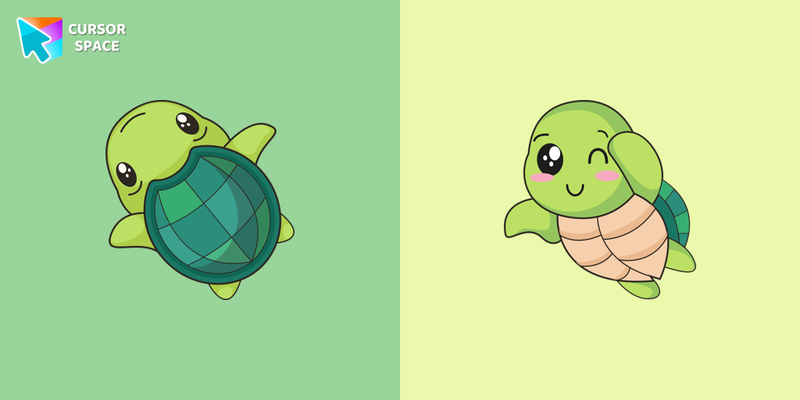
Kawaii Turtle Cursor
Try this cursor
Preview Kawaii Turtle Cursor in this sandbox. Hover and click - no extension needed for a test on this page. Download PNG, JPG, or CUR
Move here to see the default cursor
 DefaultMove around the board
 PointerHover a button or link
Description
What's included in the package
- Default Cursor
- Pointer (Hand)
How to install a custom cursor pack Kawaii Turtle Cursor
Install the Cursor Space extension for Chrome or Cursor Space for Edge in your browser.
On this page, click "Add this cursor pack to the extension".
Open the extension and go to the Packs tab.
Find the custom cursor pack "Kawaii Turtle cursor" and click it.
Enjoy!
Ready to install?
Get this cursor pack and thousands of others by installing our extension. It's fast and free!
Install for ChromeAbout this cursor pack
Kawaii Turtle Cursor is a themed cursor pack you can add to your browser to personalize your pointer across common cursor states (default and pointer). Use it for everyday browsing, streaming, studying, or gaming-anywhere you want your cursor to match your vibe.
Instant preview
See how the cursors look before installing.
Easy install
Add the pack to the extension in a few clicks.
Works in your browser
Designed for Chrome and Edge via the extension.
FAQ
Quick answers to common questions about cursor packs, collections, and installation.
Do I need an extension?
Yes. To apply cursor packs in Chrome or Edge, install the Cursor Space extension and add this pack to it.
Which browsers are supported?
Cursor packs are designed for Chromium browsers like Chrome and Microsoft Edge.
How do I switch back to the default cursor?
Open the extension, choose another pack or disable the current one to return to your default cursor.
Can I try the cursor before installing?
Yes. Use the Try this cursor section on this page to preview default, pointer, and other states. Add the pack to the extension to use it across the web.
Can I download the cursor files?
Yes. Open Download files on this page for Arrow and Pointer PNG, JPG, and CUR (hotspot included). You can also copy CSS, Roblox, Unity, and Godot snippets.
Popular cursors today
Most installed packs in Kawaii - add them to Chrome or Edge in one click.
- Top 1
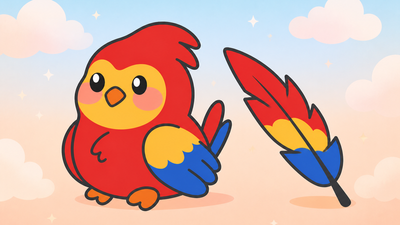 Kawaii Scarlet Macaw CursorCute Kawaii Scarlet Macaw Cursor with matching red-and-blue feather pointer for Chrome and Edge.
 - Top 2
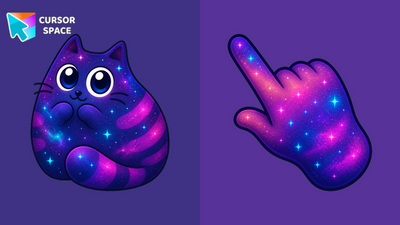 Cosmic Kawaii Grey Cat Animated CursorCosmic Kawaii Grey Cat Animated Cursor on Cursor Space - nebula chibi tabby with blinking eyes and wiggling paws in a seamless eight-frame loop.
 - Top 3
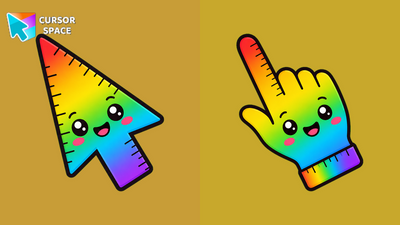 Rainbow Kawaii Ruler Animated CursorRainbow Kawaii Ruler Animated Cursor on Cursor Space - rainbow school ruler arrow with a wild kawaii eye blink in four frames.
 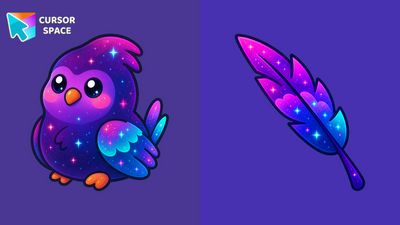 Cosmic Kawaii Macaw Animated CursorCosmic Kawaii Macaw Animated Cursor on Cursor Space - nebula chibi parrot with cyan eyes that blink in a seamless eight-frame loop.
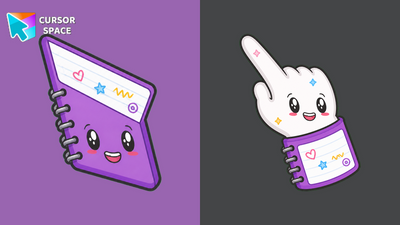 Kawaii Notebook CursorKawaii Notebook Cursor on Cursor Space - purple spiral notebook arrow with doodle pages and custom pointer.
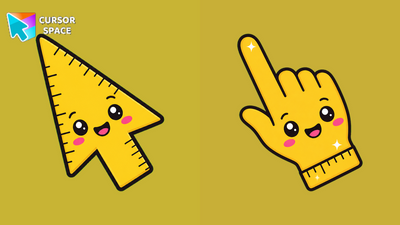 Kawaii Ruler CursorKawaii Ruler Cursor on Cursor Space - sunny yellow ruler arrow with tick marks and a cheerful kawaii smile.
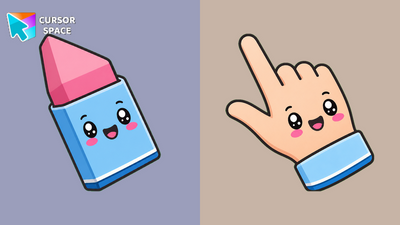 Kawaii Eraser CursorKawaii Eraser Cursor on Cursor Space - chunky pink eraser arrow in a blue sleeve with sweet blush cheeks.
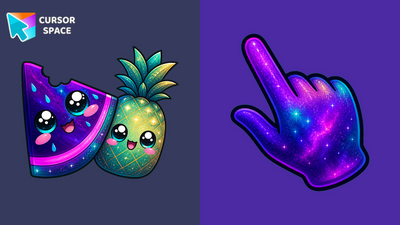 Cosmic Kawaii Watermelon Pineapple Animated CursorCosmic Kawaii Watermelon Pineapple Animated Cursor on Cursor Space - nebula fruit buddies with blinking eyes in a seamless eight-frame loop.
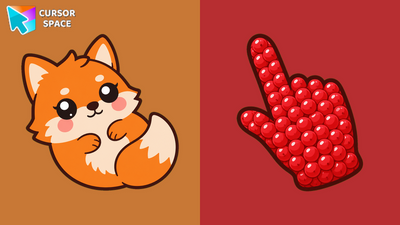 Kawaii Fox CursorCute Kawaii Fox Cursor with a berry pointing hand for Chrome and Edge.
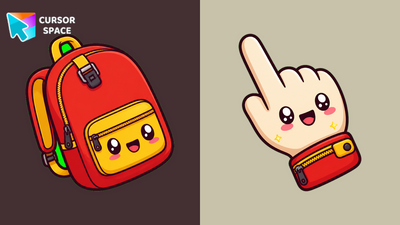 Kawaii Backpack CursorKawaii Backpack Cursor on Cursor Space - red school bag arrow with yellow zipper pocket and custom pointer.
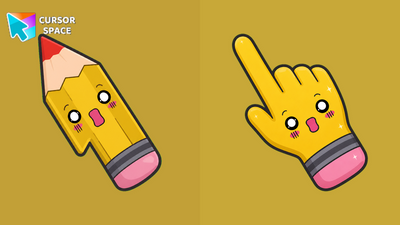 Kawaii Pencil CursorKawaii Pencil Cursor on Cursor Space - sunny yellow pencil arrow with pink eraser and surprised kawaii face.
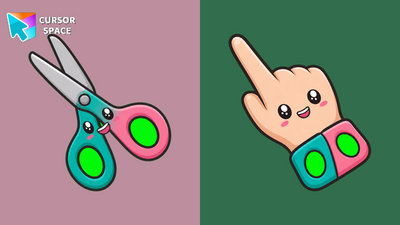 Kawaii Scissors CursorKawaii Scissors Cursor on Cursor Space - teal and pink safety scissors arrow with cute kawaii handles.
Collection hits
Installation leaders from "Kawaii": free packs, neon/anime/pixel art, quick add to Chrome and Edge.
- Top 1Kawaii Scarlet Macaw CursorCute Kawaii Scarlet Macaw Cursor with matching red-and-blue feather pointer for Chrome and Edge.
- Top 2Cosmic Kawaii Grey Cat Animated CursorCosmic Kawaii Grey Cat Animated Cursor on Cursor Space - nebula chibi tabby with blinking eyes and wiggling paws in a seamless eight-frame loop.
- Top 3Rainbow Kawaii Ruler Animated CursorRainbow Kawaii Ruler Animated Cursor on Cursor Space - rainbow school ruler arrow with a wild kawaii eye blink in four frames.
- Cosmic Kawaii Macaw Animated CursorCosmic Kawaii Macaw Animated Cursor on Cursor Space - nebula chibi parrot with cyan eyes that blink in a seamless eight-frame loop.
- Kawaii Notebook CursorKawaii Notebook Cursor on Cursor Space - purple spiral notebook arrow with doodle pages and custom pointer.
- Kawaii Ruler CursorKawaii Ruler Cursor on Cursor Space - sunny yellow ruler arrow with tick marks and a cheerful kawaii smile.
- Kawaii Eraser CursorKawaii Eraser Cursor on Cursor Space - chunky pink eraser arrow in a blue sleeve with sweet blush cheeks.
- Cosmic Kawaii Watermelon Pineapple Animated CursorCosmic Kawaii Watermelon Pineapple Animated Cursor on Cursor Space - nebula fruit buddies with blinking eyes in a seamless eight-frame loop.
- Kawaii Fox CursorCute Kawaii Fox Cursor with a berry pointing hand for Chrome and Edge.
- Kawaii Backpack CursorKawaii Backpack Cursor on Cursor Space - red school bag arrow with yellow zipper pocket and custom pointer.
- Kawaii Pencil CursorKawaii Pencil Cursor on Cursor Space - sunny yellow pencil arrow with pink eraser and surprised kawaii face.
- Kawaii Scissors CursorKawaii Scissors Cursor on Cursor Space - teal and pink safety scissors arrow with cute kawaii handles.
Install Cursor Space - A Collection of Custom Cursors for Chrome & Edge
Add packs instantly and unlock access to thousands of cursors: neon, anime, pixel-art, and more. Fast, safe, and free.
- Free cursor packs
- HD/HiDPI & animated icons
- Quick browser installation
Cursor Space is an extension for changing your mouse cursor in Chrome and Edge browsers: themed collections, HiDPI icons, neon, animated, and pixel cursors, with quick installation.